
Chinese tropical island of Hainan from Prague: flights + 6 nights in a 5* hotel
776 €


Discounts on Booking.com are in high demand, so it’s worth knowing where to apply your Booking.com promo code and where to enter it.
The procedure is as follows.
Search for your accommodation as you usually do. Enter your destination, the dates of your stay, the number of people, and select the relevant room at your chosen hotel.
In the second step, fill in the guest details and other information, then proceed to the final third step.
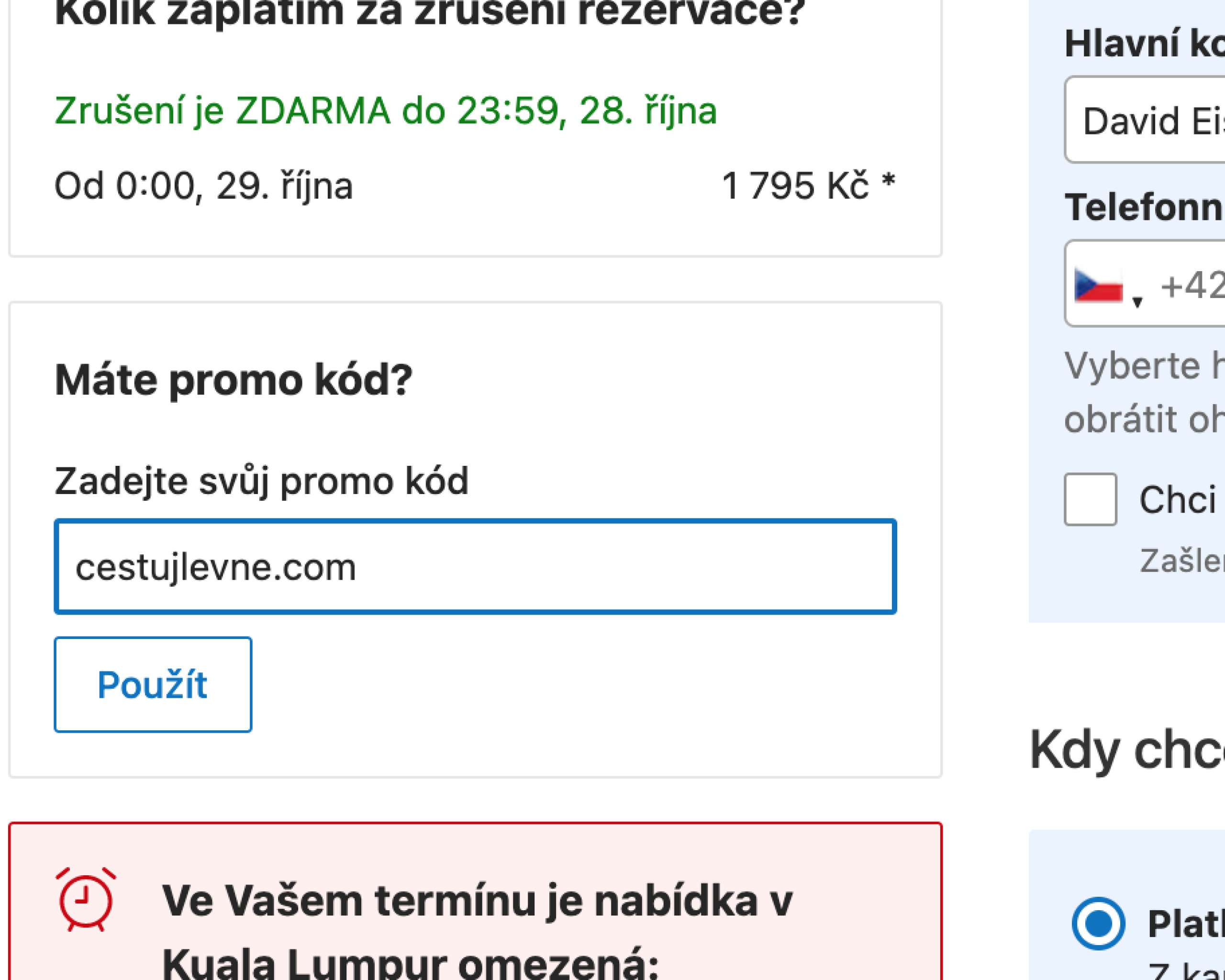
It is here, in the third step, that you’ll find a box labelled ‘Do you have a promo code?’
Enter the promo code and apply the discount to your accommodation using the discount code.
Promo codes for Booking.com are available from time to time, but you’re more likely to come across promotions and offers giving you a 15 per cent saving when you create an account with Booking.com, where you’ll receive Genius membership after your first stay.
This membership entitles you to more affordable deals, better value accommodation and further discounts.